How To Use AI To Train Your Staffs In Their Work
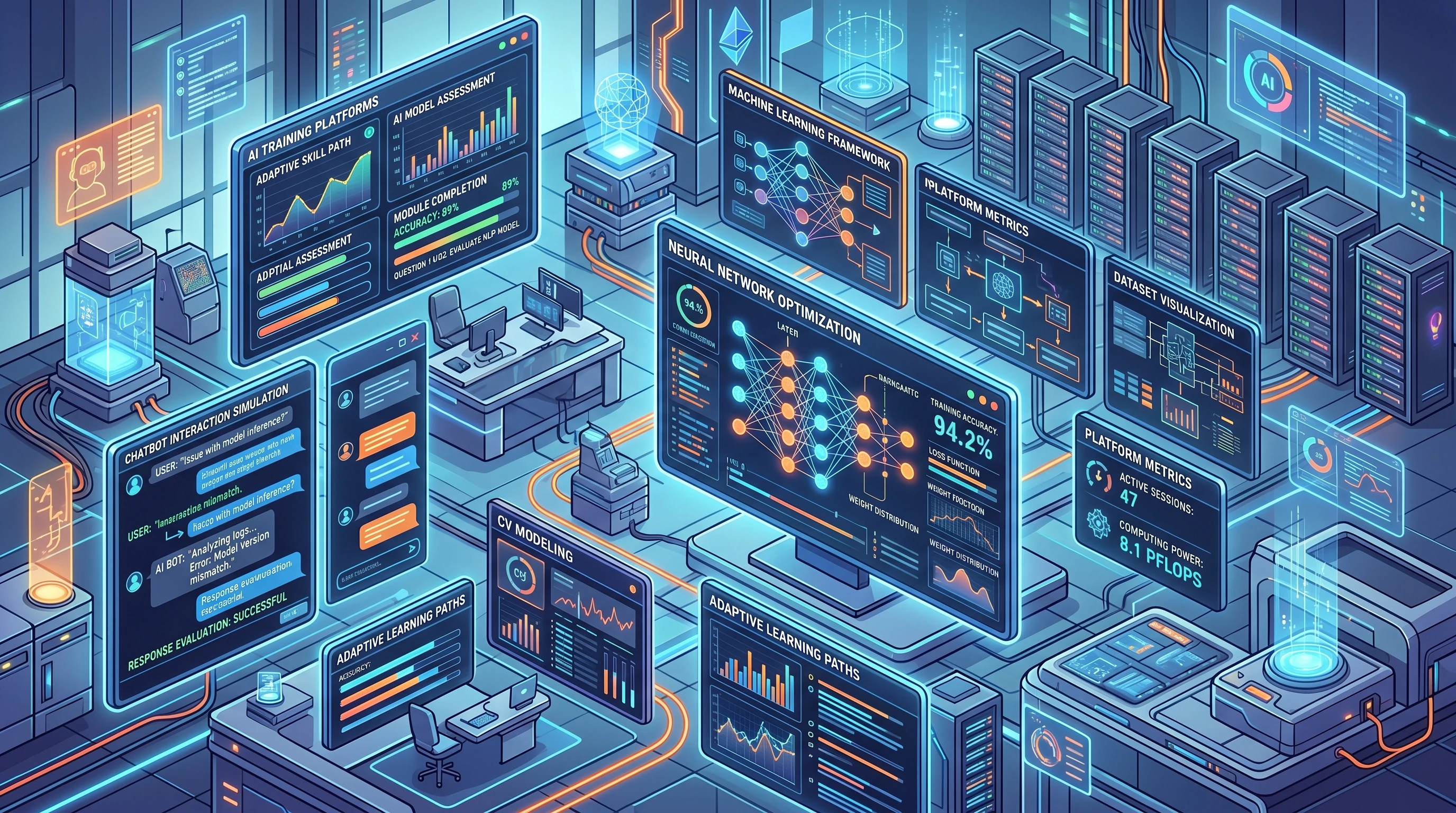 Artificial intelligence is changing how teams learn and grow on the job. I’ve noticed a big change, with companies moving away from the usual training manuals and videos to truly interactive AI-powered tools. These days, using AI to train staff isn’t just about staying current with tech trends; it’s a smart move for businesses that want their people to adapt, learn faster, and stay engaged for longer.
When you work with AI for staff training, you get training programs that can adjust to each person, cut down on repetitive tasks, and even keep people interested, but without making things feel forced. If you’re looking to boost employee skills, support onboarding, or keep everyone updated with the latest rules or product features, AI-powered solutions have quite a few handy options worth exploring.
This guide breaks down how you can actually use AI for staff training, no matter your industry or team size. Let’s get into the steps that get real results, plus practical tips to help you pin down what works and what to watch out for along the way.
Step 1: Figure Out What Your Team Needs
Before adding any AI, it’s really important to know exactly what issues you want to solve with staff training. Teams and roles often have different challenges, so just dropping in a one size fits all AI tool usually leads to underwhelming results. Instead, check in with your team to get a feel for what’s missing or where they could use the most help.
Questions to Think About:
- What skills need strengthening in your team right now?
- What kinds of training have worked in the past, and which didn’t?
- Are you aiming to improve onboarding, upskilling, compliance, or something else?
- How does your staff prefer to learn (videos, hands-on, quizzes, etc.)?
- What’s the time and budget available for training?
Example Training Goals with AI:
- Speed up onboarding for new hires by automating basic intro modules
- Keep staff certified in compliance topics through short, AI-powered refreshers
- Help the team learn new tech or tools without hiring outside trainers every time
- Reduce time spent on staff assessments by letting AI quiz and track skills automatically
Once you’re clear on your goals, you’ll find it much easier to make AI work for your team.
Step 2: Choose the Right AI Tools for Your Training
Picking an AI tool depends a lot on your goals. Some tools act as simple chat bots to answer common questions and run through basic modules; others deliver custom scenarios, offer smart feedback, or even craft entire courses by themselves. There’s a wide range of options, so focus on something that fits how your training actually happens.
Popular Types of AI Tools for Staff Learning:
- AI chat bots – Answer employee questions as they come up, walk staff through tasks, or offer feedback on exercises.
- AI video coaching – Generate tailored video lessons with practice, real-time corrections, and interactive prompts.
- Adaptive quiz platforms – Automatically adjust the difficulty of practice quizzes, so each worker learns at their own speed.
- AI content creation – Make unique presentations, short case studies, or fun learning games quickly.
- Simulation engines – Run realistic virtual scenarios for practicing customer service, safety drills, technical repairs, and more.
Pro Tip:
Try free demos or trials before committing to a tool. It’s much easier to see what works when staff can use it for a few days and get a feel for how intuitive and interesting it is.
Step 3: Design Personalized Learning Paths
AI stands out because it can personalize learning, something old school training tools don’t do well. Instead of making everyone go through the same videos and endless slides, AI platforms adapt lessons to the individual, making the process more enjoyable and effective.
Ways to Personalize with AI:
- Start with a short assessment. AI will pick up on what skills need work and skip over what users already know.
- Learners get feedback and new challenges depending on how they’re doing, so nobody feels bored or overwhelmed.
- Build branching scenarios: when someone gets a question wrong, the AI shares hints or easier questions; if they do well, it moves them ahead quickly.
- Use clever reminders. AI can nudge users to keep learning at just the right time for them.
Example:
A sales team member might practice calls with different customer “types,” all simulated by AI. If they hit a rough spot, the bot offers similar examples, lets them try alternative responses, and encourages improvement with real feedback.
As your staff progress on personalized paths, you may realize where team-wide strengths or weaknesses lie. This sort of insight is difficult to get from basic, generalized training modules.
Step 4: Make Training Interactive and Fun
People remember more—and enjoy themselves—when training is interactive and even a little playful. I’ve seen staff get genuinely interested in learning when training feels like a game, with rewards, scores, and friendly competition. AI-powered platforms make this easier than ever by automatically gamifying learning experiences.
Ideas to Energize Training:
- Turn core lessons into quick challenges: quizzes, matching activities, or quickfire games
- Offer digital badges or leader boards, letting people collect points as they move through topics
- Add simulated “missions” so users must practice real world scenarios (for example, handling a complex customer complaint or inspecting a safety checklist)
- Include short, improvestyle case scenarios. AI can spin up fresh versions so activities never get stale or repetitive
These interactive elements do more than excite your staff; they actually help cement key concepts. Real world simulations, especially ones that change up each time thanks to AI, keep people using their skills in new ways rather than just memorizing answers.
On top of all this, AI learning games can foster friendly rivalry among team members, creating a more upbeat and energetic work atmosphere.
Step 5: Use AI for Real Time Feedback and Progress Tracking
One great feature of AI training programs is how much easier it is to follow everyone’s progress than with paper checklists or even older digital learning platforms. With AI, both learners and managers know in real time who’s improving, who needs more support, and what training materials are making the biggest difference.
How AI Tools Measure Progress:
- Immediate grading of quizzes, tasks, and exercises—no waiting around for results
- Custom feedback for every staff member showing specific areas for improvement, with shoutouts for strengths
- Analytics dashboards highlight who’s struggling, who’s way ahead, and which lessons or topics need tweaking
- Notifications for learners and managers about module completion or when someone needs extra help
Managers no longer have to sift through spreadsheets for trends or worry they’re missing a hidden skill gap. AI makes it easy to spot patterns and step in with extra coaching right where it’s needed most.
Step 6: Blend AI with Human Coaching and Support
AI is at its best when you mix it with real human connections. While automated tools can speed up practice, deliver personalized reminders, and answer most routine questions, people still need oneanother for encouragement, advice, and coaching in tricky situations.
Blending AI and Traditional Training:
- Let staff move through basic or “standard” modules on their own, using the AI platform at their pace
- Plan regular team catch-ups or checking to talk about what everyone’s learning, answer questions, or work together through more nuanced scenarios
- Ask supervisors to review AI reports, then offer personalized coaching or mentoring to staff who may need it
- Pair new hires with workplace buddies, using AI to track progress while experienced staff bring real insights
Remember, an AI program isn’t about replacing people. It’s about making sure everyone gets the right info, practice, and support at the right moments. The blend of AI efficiency with genuine human guidance can totally level up your results.
Step 7: Keep Training Content Current and Relevant
One big advantage of AI-powered training tools—especially those for fast content creation—is their speed. Instead of waiting weeks for updates, you can roll out tweaks to modules within a day. This rapid response means your staff always gets up-to-date, relevant training without lagging behind business changes.
How AI Keeps Training Fresh:
- Automatically update policy or compliance modules when new rules hit—the AI can scan for recent changes and suggest new scenarios
- Easily create fresh practice cases using data from recent support tickets or feedback
- Tweak case studies for different offices or skill levels without heavy rewriting
With AI, you avoid the drag of outdated lessons or having to arrange lengthy meetings just for updates. Your team stays sharp and ready, no matter how fast things move in your industry.
Common Questions and Troubleshooting with AI Training
What if my staff isn’t super tech savvy?
Choose AI tools with simple interfaces. Start with a quick onboarding session, and let staff experiment without worrying about “breaking” anything. Good support and clear FAQs from vendors can smooth the way, too.
Does AI replace trainers or managers?
No. AI is there to automate routine practice, quizzes, and reminders, but your team still needs coaching, encouragement, and personalized help for unique challenges. Think of AI as your trusty training sidekick, not your replacement.
How do I know if the training is working?
- Tap into AI analytics to check completion rates, quiz results, and see common spots where people get stuck
- Ask your team directly—get regular feedback on what they liked, what was confusing, or how you could mix things up for the better
- Watch key business outcomes: improved customer reviews, less time spent fixing errors, or a smoother onboarding process for new hires
Is it tricky to get started with AI training?
Many AI tools are really easy to launch—usually you just upload a company manual, FAQ, or a few key learning goals, and the platform creates practice activities and quizzes. Start small with a single department, watch how it goes, and gradually roll it out as you find smart fits.
Final Tips and Next Steps for Using AI in Staff Training
AI opens up exciting new opportunities for teams to learn in ways that are personalized, flexible, and much more engaging than old school training methods. With the right setup, it makes life easier for managers and helps staff feel more valued and confident. The key? Start with a clear goal, pick a tool that fits how your team works, and always mix in genuine human feedback for the best possible outcomes.
Your AI Training Action Plan:
- Spot the main skill gaps or process challenges your team is facing right now.
- Test one or two AI-powered tools with a small pilot group before rolling them out more widely.
- Personalize learning and keep it interactive—incorporate simulations, games, and instant feedback for the most impact.
- Always combine AI learning with ongoing team check-ins, direct feedback, and workplace support.
- Stay current: refresh training content regularly using your own data and feedback.
Ready to give your training a real boost? Try one new AI-powered approach this month and watch how your staff responds. Let us know your favorite features or how AI has improved your team’s learning—share your experiences and help others do the same below!
Leave a Reply